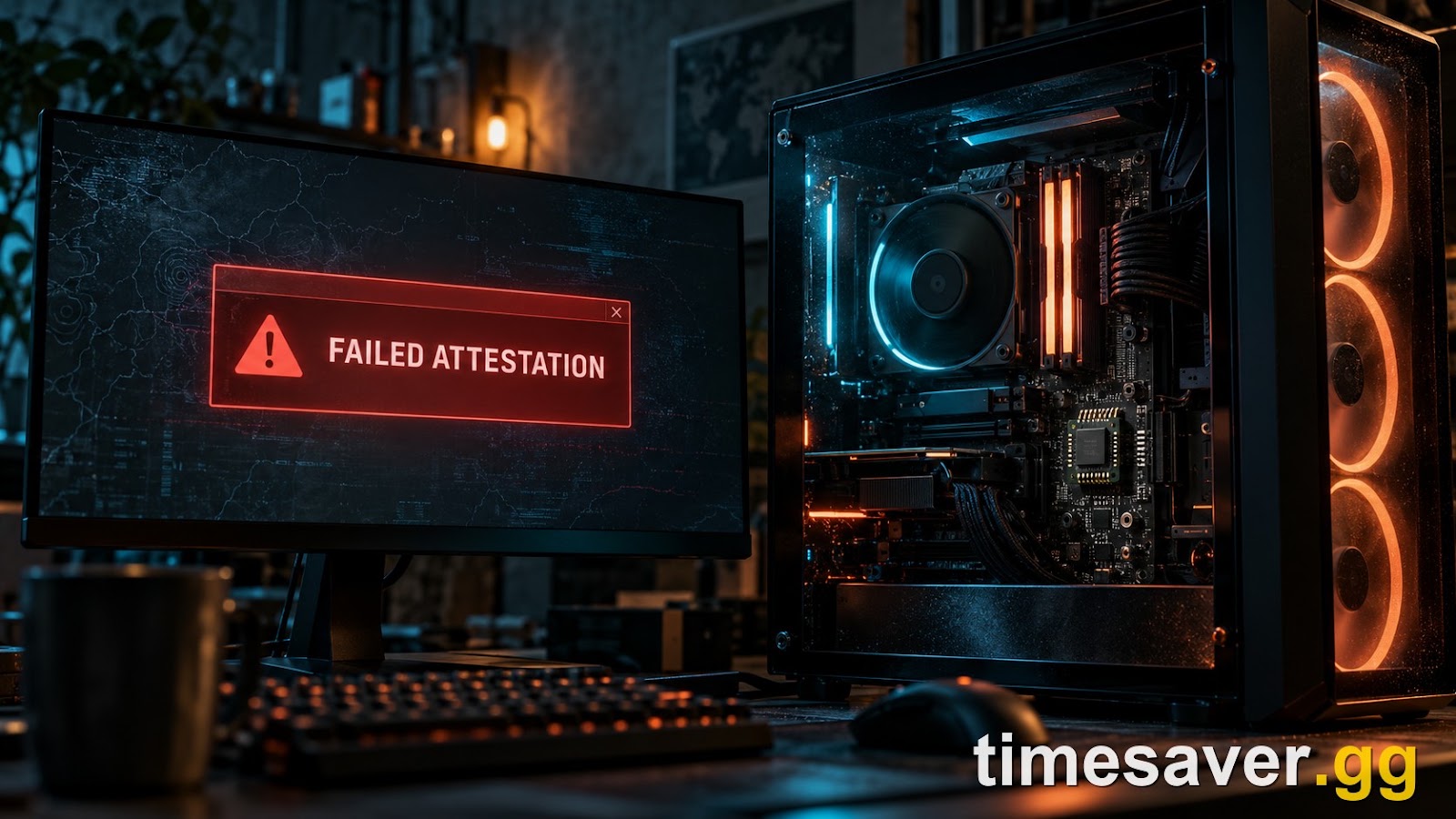
Quick answer: If Call of Duty: Modern Warfare 4 still throws "Failed Attestation Status" or "BIOS Firmware Update Required" even though TPM 2.0 and Secure Boot are already enabled, your hardware is turning the features on but your PC isn't proving it to RICOCHET. The fix is almost never one more toggle — it's a chain: run Activision's Secure Attestation Wizard, update your motherboard BIOS / fTPM firmware to a Call-of-Duty-compatible version, start the Windows Device Health Attestation / TPM services, clear the TPM to re-enroll the key, and confirm the disk is UEFI (GPT), not Legacy/MBR. This guide walks each step in order, with the AMD and Intel specifics, so you connect before MW4 goes live October 23, 2026.
Modern Warfare 4 makes TPM 2.0 and Secure Boot mandatory for all online play on PC — not a suggestion, the actual gate to matchmaking. Most "Secure Boot off" cases are a quick BIOS toggle. But a second, nastier group of players has everything switched on, `tpm.msc` says "The TPM is ready for use," and the game still refuses the connection. That's the attestation case, and it's the one no generic "enable Secure Boot" guide actually solves. Here's what's confirmed, straight from Activision and Team RICOCHET, and the exact order to work the fix.
Call of Duty: Modern Warfare 4 - Bot Lobbies
Get bot lobby in 10 minutes
Key Takeaways
- TPM 2.0 + Secure Boot are required for MW4 online play on PC — Activision has confirmed this is mandatory at launch, not optional.
- "Enabled" is not the same as "attesting." You can have both features on and still fail if your firmware can't generate a valid attestation key.
- It's often a firmware problem, not a settings problem. Older AMD fTPM versions (reported cases around 3.8.x–3.95.x) and stale motherboard BIOS are a leading cause — the fix is a BIOS/fTPM update, which only your board maker can supply.
- Run the official Secure Attestation Wizard first. Activision updated the Wizard and its troubleshooting after launch-window reports of players still failing — it pinpoints what's missing.
- Hardware bans carry over. Team RICOCHET took more than 70,000 hardware bans into MW4's launch — if you're banned rather than failing attestation, no BIOS fix will restore access.
What does "Failed Attestation" actually mean in Modern Warfare 4?
Attestation is the step where your PC proves to RICOCHET that its security hardware is genuine and untampered. TPM 2.0 is the chip that holds the cryptographic keys; Secure Boot guarantees Windows loaded without a tampered bootloader. Attestation is the handshake where your machine signs a statement — "here is my trusted hardware state" — and the anti-cheat verifies it.
"Failed Attestation Status" means that handshake didn't complete. Crucially, that can happen even when TPM and Secure Boot are both enabled, because:
- Your firmware is too old to produce a key RICOCHET accepts (the classic "BIOS Firmware Update Required" path).
- The TPM has a stale or corrupted attestation key that needs clearing and re-enrolling.
- A required Windows service (Device Health Attestation) isn't running.
- The boot disk is Legacy/MBR, so Secure Boot reports as "unsupported" no matter what the BIOS shows.
In other words: enabling the features is step one; passing attestation is a separate thing. This is exactly why players on the ASUS ROG and motherboard-vendor forums report doing everything right — Secure Boot on, UEFI mode, `tpm.msc` showing "ready for use," CSM disabled, Wizard run, game reinstalled — and still getting rejected. Their firmware simply can't attest, and that needs a vendor BIOS update.
Is this an MW4-specific problem — and is it confirmed?
Yes, and it's officially acknowledged. In its late-September 2026 anti-cheat update ahead of launch, Team RICOCHET confirmed the hard requirement: "TPM 2.0 and Secure Boot are required for Modern Warfare 4 online play. These features help create a trusted security foundation for RICOCHET Anti-Cheat and are an important part of protecting matches at launch."
Activision also confirmed the attestation failures are a known issue, not just user error: the company updated its Secure Attestation Wizard and troubleshooting guidance after receiving reports from players who were still failing attestation on compatible PCs. Players can check Activision's official TPM 2.0 and Secure Boot setup guidance at support.activision.com/TPM before launch.
So this isn't a leak or a rumor. It's a confirmed launch requirement with a confirmed, documented failure mode — which is precisely why it's worth setting up now, with under three weeks to the October 23 release, rather than discovering it at 8 p.m. on launch night.
How to fix "Failed Attestation" in MW4 — in order
Work these top-to-bottom. Each one resolves a different root cause, and the order matters: the free software steps come before the irreversible-feeling BIOS steps.
1. Run the official Secure Attestation Wizard. This is Activision's own diagnostic and should be your first move. It checks your TPM, Secure Boot, and firmware state and tells you specifically what's failing — a firmware update, a disabled service, or a key problem. Get it from support.activision.com/TPM. Don't skip it: it turns guesswork into a named fix.
2. Confirm the features are truly on — not just present. In Windows, run `tpm.msc` (Win + R). You want "The TPM is ready for use" and Specification Version 2.0. Then run `msinfo32` and check that Secure Boot State = On and BIOS Mode = UEFI. If BIOS Mode says Legacy, that's your problem — jump to step 6.
3. Start the Windows attestation services. RICOCHET relies on Windows being able to attest. Make sure the Device Health Attestation / TPM-related services are running and not disabled. Reboot after enabling them so the key material initializes cleanly.
4. Update your chipset / platform firmware driver. On AMD, install the latest AMD chipset driver (it ships the fTPM component). On Intel, update the Intel MEI (Management Engine Interface) driver plus your board's model-specific ME firmware. A mismatched or ancient MEI driver is a quiet, common attestation blocker.
5. Update the motherboard BIOS — the real fix for most "still failing" cases. This is the one that actually clears stubborn attestation failures. Older AMD fTPM firmware (community-reported failing versions cluster around the 3.8.x–3.95.x range on various boards) can't produce a key RICOCHET accepts, no matter how many times you toggle settings. Download the latest BIOS for your exact motherboard model from the manufacturer (ASUS, MSI, Gigabyte, ASRock) and flash it. If even the newest public BIOS fails, that's when players open a vendor support ticket for a board-specific fTPM/AGESA hotfix — because at that point only the board maker can fix it.
⚠️ Before flashing BIOS: read your manufacturer's instructions, don't interrupt the flash, and expect your BIOS settings to reset — you'll likely need to re-enable Secure Boot, fTPM/PTT, and disable CSM again afterward.
6. Fix Legacy/MBR boot (if `msinfo32` showed Legacy). Secure Boot only works on a UEFI + GPT disk. If your Windows drive is MBR, convert it to GPT with Microsoft's built-in MBR2GPT tool before switching the BIOS to UEFI mode — switching first without converting will make Windows unbootable. Once converted, set the BIOS to UEFI, disable CSM/Legacy, and re-enable Secure Boot.
7. Clear the TPM and let Windows re-enroll the key. If attestation still fails after a firmware update, a stale key is the likely culprit. In `tpm.msc`, use Clear TPM (this wipes stored keys — close BitLocker first if you use it, and have your recovery key handy), reboot, and let Windows re-provision. Some players also report success with the vendor-known trick of fully disabling TPM + Secure Boot, enabling CSM, saving, then reversing all of it to force a clean re-initialization.
8. Last resort — verify files, reinstall, and open a vendor ticket. Verify/repair the game files through your launcher. If every step above is done and attestation still fails, it's a hardware/firmware limitation on your specific board — open a support ticket with your motherboard maker referencing the Call of Duty attestation failure and your fTPM version.
Call of Duty: Modern Warfare 4 - Mastery Camo Bundle
Get mastery camos in 10 minutes
Am I failing attestation, or am I hardware-banned?
This matters, because the two look different and only one is fixable on your end. Failed Attestation is a setup/firmware problem — fixable with the steps above. A hardware ban is an enforcement action, and it is not something a BIOS update undoes.
Team RICOCHET confirmed it carried more than 70,000 new hardware bans directly into the MW4 launch, stating plainly: "Those hardware bans carry into launch." It also confirmed around 5,000 account and console bans tied to input-altering devices like Cronus Zen and XIM Matrix, judged — in Activision's words — "by what they do in a match, not by what they're called or how they're sold." If you're on previously flagged hardware, a clean account and a new BIOS won't get you back in. Attestation troubleshooting is only for players who are failing the check, not serving a ban.
Once you're in: don't burn launch week fighting your PC
The whole point of sorting attestation now is so launch night is spent playing, not rebooting into BIOS. MW4's launch grind is steep — a shared Weapon Progression track, challenge-gated Armory unlocks, nine mastery camos, and a brand-new Warzone season all land at once. Every hour lost to a connection error is an hour not spent leveling while the lobbies are still full of day-one players.
If you'd rather skip the grind entirely once you're connected, lock your setup in before October 23:
Lock in your MW4 setup before launch — bot lobbies, camo & weapon leveling ready day one:
- MW4 Bot Lobbies — private lobbies from $5.90 · level & camo grind on easy mode
- MW4 Weapon Leveling — max any gun · unlock every attachment
- MW4 Mastery Camo Bundle — all mastery camos · fast · secure
- MW4 Account Leveling — skip the grind · pro players
- All MW4 services — the full Modern Warfare 4 hub
Related MW4 launch guides
- Does Modern Warfare 4 Have Kernel-Level Anti-Cheat? RICOCHET, Secure Boot & TPM 2.0
- Modern Warfare 4 Launch-Day Errors & Crashes: Every Fix to Set Up Before Launch
- Modern Warfare 4 PC System Requirements
- Modern Warfare 4 File Size & Storage: How Big Is the Download & How Preload Works
- How to Play the Modern Warfare 4 Campaign Early on October 16
Frequently asked questions
Why does MW4 say "Failed Attestation" when my TPM and Secure Boot are already on? Because enabling the features and passing attestation are two different things. Your PC also has to generate a valid attestation key and prove its state to RICOCHET. Old fTPM/BIOS firmware, a stale TPM key, a disabled Windows attestation service, or a Legacy/MBR boot disk can all cause a failure even with the toggles on.
Will updating my BIOS fix the attestation error? In most "everything is enabled but still failing" cases, yes — a BIOS/fTPM update is the single most effective fix. Older AMD fTPM versions can't produce a key RICOCHET accepts. Flash the latest BIOS for your exact motherboard model; if that still fails, open a ticket with your board maker for a model-specific fTPM/AGESA hotfix.
What is the Secure Attestation Wizard and where do I get it? It's Activision's official diagnostic tool that checks your TPM, Secure Boot, firmware, and services and tells you exactly what's failing. Get it from support.activision.com/TPM. Activision updated it after reports of players still failing attestation, so it's the best first step.
Can I play MW4 on PC without TPM 2.0 and Secure Boot? No. Activision has confirmed both are mandatory for Modern Warfare 4 online play. Campaign-only offline play may differ, but to matchmake in multiplayer, Warzone, or any online mode, both must be enabled and attesting.
I did everything and it still fails — am I banned? Possibly, but not necessarily. A failed attestation is a setup/firmware issue. A hardware ban is an enforcement action that carries across accounts and into MW4 at launch — Team RICOCHET took over 70,000 hardware bans into the release. If you're on previously flagged hardware, troubleshooting won't restore access; if you're not, keep working the fix chain or contact your motherboard vendor.
Does clearing the TPM delete my data? Clearing the TPM wipes stored cryptographic keys, which can affect BitLocker-encrypted drives. If you use BitLocker, suspend it and have your recovery key ready before clearing. It does not delete your game files or personal documents.