Quick answer: A Once Human Custom Server is an official rental world you pay Starry Studio and NetEase for, not a server you host yourself. Joining one is free. Renting one started at $5.29 for 4 players and 30 days at the June 2025 launch. Characters are locked to that server, and mods and blueprints don't move across. Until November 18, 2026, three Isles of Abyss challenges on Custom Servers pay out 3 Epic crates. Applies to Version 3.1.1, checked November 1, 2026.
Custom Servers get confused with dedicated servers, and many of the rules people quote date from the June 2025 trial. This guide covers what they are today, what they cost, how to get into one, what you give up, and the live Isles of Abyss rewards. If you only want your friends in one world, our play with friends guide may be the cheaper answer.
What is a Once Human Custom Server?
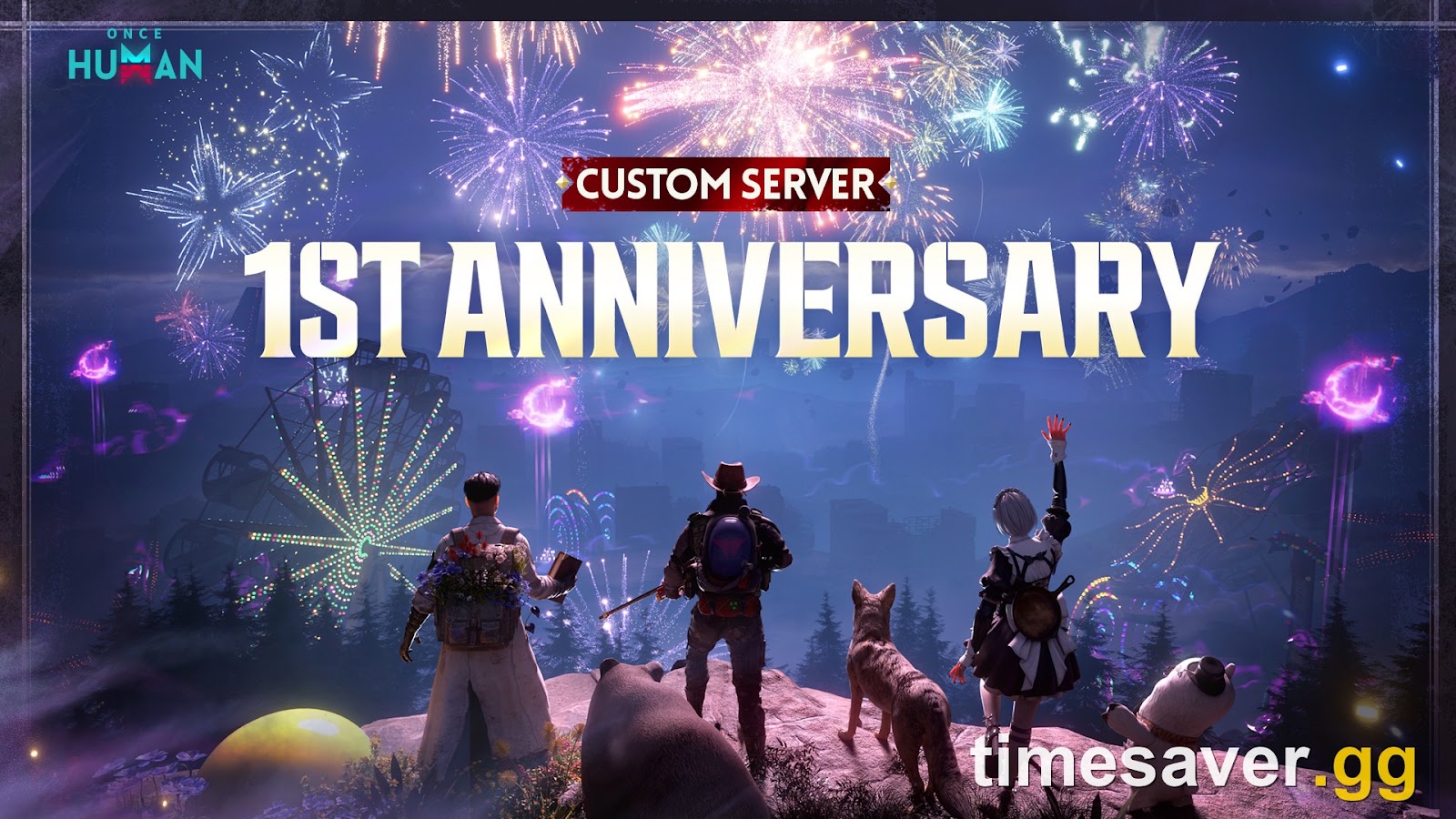
The studio defines it in one line: "The custom server is essentially a player-managed rental server." That comes from the official Custom Server preview. Custom Servers opened in early access on June 5, 2025 and launched officially on June 18, 2025.
Three things separate them from the servers you land on by default:
- The host sets the rules. Resource rates, PvP, enemy strength and survival drains are all adjustable.
- The studio runs the hardware. There are no server files to download, so you can't self-host this game on your own PC or on a VPS.
- The worlds are separate. Custom Servers don't feed your official-server progress.
Players often call these private servers. Only the official rental counts here. A site selling "Once Human server hosting" on its own machines isn't selling this product, and the studio says it chose official rentals to avoid the "security vulnerabilities, unstable performance, lack of maintenance" of third-party hosting.
How much does a Once Human Custom Server cost?
Joining costs nothing. Only the person renting pays. Pricing depends on two things, the player limit and the rental length.
| Rental | Price | Source and date |
|---|---|---|
| 4 players, 30 days | $5.29 | PCGamesN, June 2025 launch |
| 40 players, 6 months | $289.99 | PCGamesN, June 2025 launch |
| 40 players, 35 days | "worth roughly $55" | Official Rising Star post, March 2026 |
| 30-day rentals | Half price | Version 2.4.3 notes, June 24 to July 30, 2026 only |
Treat the launch figures as a guide. The studio doesn't publish a current price table on its Custom Server pages, and the live rental page is the only place to read today's numbers. That page is the official Once Human top-up center, and the 2.4.3 notes also mention a rental entry in-game under Custom Servers. One player said this in October 2026: "I paid like 4 bucks for a 30 day server." That is one report and may not match your region or a current promotion.
The studio has said it offers rentals "at cost price, with no markup" and plans to bring prices down over time. A big public world costs real money, but a 4-player world for you and a partner is cheap.
Is there a free Custom Server?
Not for general use, but there are two routes to a free rental for serious hosts:
- Custom Rising Star: a screened application for a 35-day, 40-person server. The Custom Server hub also lists a launch-day Isles of Abyss call for this program, so check the hub for whether it is still open.
- Vanguard host level or higher: hosts averaging 600+ daily Engagement Score get a free 30-day extension at their current capacity.
Why does the rental say sold out?
Rentals are limited per region. The studio's early-access rules said each region had a limited number of rentals, and a player was still reporting a sold-out message on a European rental in 2026.
The Version 1.0 notes say the studio will announce a restock schedule when rentals sell out, so check official announcements. Also confirm you selected the region your group actually plays in. In the meantime, joining someone else's server needs no stock at all.
How do you join a Custom Server?

The older Custom Server screen from the official tutorial. The July 2026 revamp changed this layout.
The Version 3.0.2 update (July 22, 2026) rebuilt the Custom Server page into three areas:
- Homepage Recommendations: recommended quality servers and newly created quality servers.
- Modes: every Custom Server, with full search and browsing.
- My Servers: your characters across different Custom Servers, in one list.
To join:
- Open the Custom Server section. The April 2026 update added pathways to it from the homepage and the sign-up page.
- Browse Modes, or search for a server by name. Hosts can add gameplay tags that show what the world offers.
- Read the server card, including the scenario and the slogan.
- Select Enter Server and create a new character. Your official-server characters aren't there.
Closed worlds work differently. The launch announcement says hosts can require a unique invitation code or leave a server unlocked for anyone, so ask the host for the code first.
Can you use Custom Servers on PS5 and Xbox?
The studio hasn't published a console rule either way. The Console Launch FAQ doesn't address Custom Servers, and neither do the official rental rules. We won't guess at parity, so here is what is actually known:
- Before the August 25, 2026 console launch, a host pitched a Custom Server directly at new console players on r/OnceHumanOfficial.
- The preview warns that "the entry point for renting a custom server may vary depending on the game version or platform partner."
- The web rental page is not tied to a console store.
The practical test is quick. Open the Custom Server section on your PS5 or Xbox and see whether Modes lists servers before you pay anything. If you are renting for a mixed group, have a console player confirm they can see and enter a server first. Remember that console-tagged official servers are a separate thing, and our crossplay guide covers those rules.
What carries over to a Custom Server?
Very little, and that is deliberate. In the studio's October 2026 AMA recap, the developers explained why:
"Custom Servers are designed to let players tailor their scenario experience — resource distribution, multipliers, enemy difficulty. Those settings affect character progression and scenario difficulty, so experiences can vary greatly from server to server; carrying progression over could affect the intended experience on each server. Item data, character cosmetics, and building cosmetics are shared, but stats-related systems — mods, blueprints, Crystgin — are not." — Once Human development team
The sources disagree on one point. The Version 1.0 notes from June 2025 say Crystgin is shared for buying premium cosmetics, while the 2026 recap lists it as not shared. Check your balance on the server before you rely on it. Those same notes also share premium cosmetics, your Battle Pass and Meta Pass privileges between official and Custom Servers.
The official preview and Version 1.0 notes add these rules, which date from 2025:
| Topic | Rule |
|---|---|
| Characters | Bound to one Custom Server. Official characters don't appear there. |
| Migration | No scenario sign-up or data migration. |
| Eternaland | Disabled at launch, and it did not sync with official servers. |
| Server reset | Characters keep name and customization. All other data is erased. |
| Host switches scenario | Server resets, and you need a new character. |
| Rental expires | World freezes with data preserved until renewal. |
| Expired over 30 days | Server and all data are permanently deleted. |
| Registered users | Up to 1,000 per server, raised from 500 in Version 1.0. This is separate from the online player limit you rent. |
This is the biggest risk for regular players. As one player warned in October: "the host can pull the plug at anytime and you lose all progress." That matches the rules above. If you want a world that keeps going, a permanent server is the safer home. Our carry-over guide covers how official scenarios handle the same question.
What can a Custom Server host change?

The official settings tutorial groups the options into these areas:
| Area | Examples |
|---|---|
| Server | Name, openness, online player limit, slogan |
| World | Resource rates, farming speed, Deviation capture rates, map mist, Teleport cooldowns |
| Combat | PvP on or off, damage and HP, ammo use, enemy speed and aggro range |
| Survival and building | Building costs, overlapping or floating structures, hunger, thirst, Exp gain, death drops |
| Tech | Starting points, unlocks, crafting speed, Hive size |
Recent updates went further:
- Hyper Brawl (April 2026): a RaidZone mode where leaving a host-set zone kills you.
- Custom dungeons (July 2026): hosts can edit names, enemy difficulty, extra skills, drops and access.
- Isles items (October 2026): Version 3.1.1 lets hosts hand out Isles of Abyss materials, ammo and boat facilities, and set a respawn point for new players.
Most changes apply immediately, though some need a restart. Hosts also run an in-server shop, leaderboards and player management, and those actions matter. Kicked members face account-level restrictions, and deleted character data can't be recovered.
How do the Isles of Abyss Custom Server rewards work?

An April 2026 example of the Custom Server Event tab. The rewards shown are not the current Isles challenges.
The live event is "Adventure Together in Isles of Abyss!", which runs October 30 to November 18, 2026. Full details are in the official event announcement, and it's also listed on the Custom Server hub. Progress only counts in the Isles of Abyss scenario on a Custom Server, so a normal Isles server earns nothing here.
| Challenge | Reward |
|---|---|
| Enter an Isles of Abyss Custom Server once | Stardust Secret Crate S15 (Epic) ×1, Battle Pass EXP Card (500 Pts) ×1 |
| Encounter Voyagers once | Stardust Secret Crate S15 (Epic) ×1, Battle Pass EXP Card (500 Pts) ×1 |
| Obtain a Voyager treasure chest reward once | Stardust Secret Crate S15 (Epic) ×1, Battle Pass EXP Card (500 Pts) ×1 |
That is 3 Epic crates and 1,500 Battle Pass points in total. Claim them at Shop Events > Events Page > Custom Server Events > Challenge Rewards. Unclaimed rewards are gone once the event ends.
The studio's event post names these recommended servers and their IDs:
| Region | Server | ID |
|---|---|---|
| NA | TBI | 10101861149 |
| NA | EpicGamerZ IoA | 10101861087 |
| NA | Mayfly Colony | 10101861228 |
| NA | Once Architect 2 | 10101861119 |
| EU | Grims PvE - Isles | 12101861012 |
| EU | Once Architect | 12101861032 |
| EU | FR La Baby's Army | 12101861042 |
| EU | [GER] Cold Lands | 12101861020 |
| SA | SOBREVIVENTES BR2 | 11101861005 |
| SA | jojomortal BR yt | 11101861001 |
Recommended doesn't mean permanent. These are player-run worlds, so read each server's rules before you invest time.
Should you play on a Custom Server or an official server?
New players should start on an official server. Builders and small private groups have the best case for Custom. Players on r/OnceHumanOfficial are split on this, and one first-time console player argued that a "give me everything" server would "ruin first time playing experience."
| You want | Pick |
|---|---|
| The intended progression, with Eternaland and carry-over | Official scenario server |
| A long-term base with no wipes | Permanent server |
| A creative building sandbox | Custom Server |
| No strangers, your own pace, spoilers avoided | Rented 4-player Custom Server |
| A quick crate grab before November 18 | Custom Server for the event, then return |
How do Custom Server hosts earn rewards?
Hosts earn through the Community Creation Program, paid in Worldcoin. Rates in the official tutorial are 30% for new and returning users, 5% for active users, and 50% for items and sponsorships. Worldcoin exchanges for Crystgin at 1:10, up to 100,000 Crystgin a day, or for rental vouchers and Shop coupons.
Engagement Score is (New Players + Returning Players) × 20 + Active Players × 5. Your host level updates on the first of each month from the previous month's daily average:
| Level | Average daily score | Main perk |
|---|---|---|
| Community | 0–599 | Revenue sharing |
| Vanguard | 600–1,199 | Free 30-day extension, recommended eligibility |
| Meta-Human | 1,200+ | 1,000 extra Worldcoin a month |
Promotion needs at least 7 operating days in the month, and a day only counts as operating with a player online.
Until November 11, 2026 (server time), Version 3.1.1 adds a host event worth up to 100 Worldcoin. Run a server for 7 straight days for 10, then average over 50 Engagement Score for 20, and over 100 for 70.
FAQ
Is there a Once Human dedicated server download? No. Starry Studio hasn't released server files, so you can't run the game on your own hardware. The official Custom Server rental is the supported way to get your own world.
Is it free to join a Once Human Custom Server? Yes. Only the host pays for the rental. Some hosts sell items in an in-server shop or take sponsorships, and both are optional.
Can I move my character to a Custom Server? No. Official-server characters don't appear on Custom Servers, and there is no data migration. You make a new character for each server.
Do Custom Servers wipe? Only when the host acts or the rental lapses. A reset or a scenario switch erases progress. An expired rental freezes first with data preserved, and it's permanently deleted after more than 30 days expired.
Can I earn official rewards on a Custom Server? Yes, through specific events like the October 30 to November 18 challenges. Normal progress stays on that server.
Does Isles of Abyss work on Custom Servers? Yes. The studio's hub lists the scenario as available in Custom Servers from launch day, and its current event is built around Isles of Abyss Custom Servers.
More Once Human guides
Weighing up where to play? These guides cover the official server options.
- Once Human permanent servers: how to join after Novice
- How to change and switch servers on PS5 and Xbox
- Once Human crossplay and cross-progression explained
- How to play with friends on PS5, Xbox and PC
Last updated November 1, 2026. Applies to Once Human Version 3.1.1 (Isles of Abyss). Official facts are verified against oncehuman.game, including the May 2025 Custom Server preview, the Version 1.0 notes, the settings tutorial, the April 2026 update post, the Version 3.0.2 and 3.1.1 notes and the October 30 event announcement. Launch prices are from June 2025; check the rental page for current pricing.