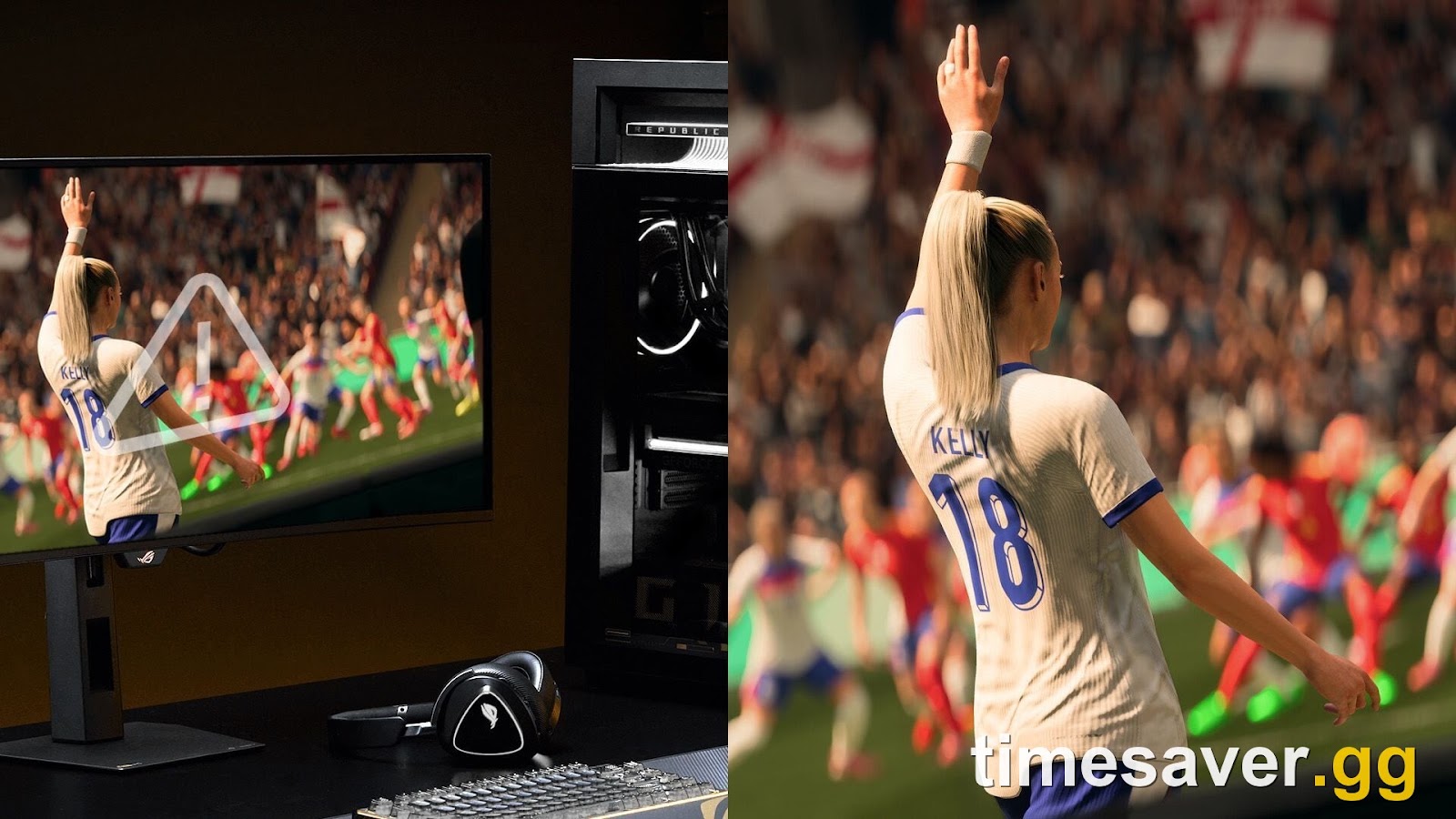
Quick answer: If FC 27 won't launch on PC or the launcher closes the second EA anti-cheat loads, the fix that is working for most early-access players is removing FACEIT Anti-Cheat (or any second kernel-level anti-cheat) and rebooting. If you don't run FACEIT, do this in order: (1) reboot your PC, (2) verify game files, (3) update your GPU driver to the FC 27 game-ready release, (4) close every overlay/monitoring app, (5) run the EA app as administrator, and (6) confirm Windows is on build 19041 or higher so EA Javelin anti-cheat can start. One of those six clears the vast majority of "instant crash on startup" cases. Full steps below.
FC 27 early access opened on 17 September 2026 at 23:00 UTC on PC (18 September at local midnight on consoles), ahead of the worldwide standard release on 25 September 2026 (PC unlocks 24 September at 23:00 UTC). Within hours, the r/EASportsFC subreddit and the EA FC 27 technical-issues forum filled with the same complaint: the EA app starts the game, EA anti-cheat runs for a second, then the launcher closes and nothing happens. It's the classic day-one PC breakage — a kernel-level anti-cheat colliding with something already running on your machine — and it's almost always fixable at your desk.
This guide gives you the exact, ordered steps that are clearing the crash right now, split by cause, with the console note at the end.
EA Sports FC 27 - Coins
Stock up on Coins
Why does FC 27 close right after the anti-cheat loads?
FC 27 runs EA Javelin Anti-Cheat (EAAC) — a kernel-level system that is required in both single-player and online modes, not just Ultimate Team. It launches with the game and shuts down when the game closes. Because it runs at the kernel level, it will refuse to start — and take the whole game down with it — the moment it sees a conflict.
The three conflicts causing the most launch crashes this week:
- A second kernel-level anti-cheat is already loaded. FACEIT Anti-Cheat is the biggest offender. Two kernel anti-cheats cannot co-exist, so EAAC bails and the launcher closes.
- Windows is too old for Javelin. EA Javelin needs a modern Windows build to load. If your build number is below 19041, anti-cheat can't start. Press `Windows + R`, type `winver`, hit Enter, and read the version line.
- An overlay or monitoring tool is hooking the game. MSI Afterburner, RivaTuner, capture software, and some Discord/GeForce overlays get flagged and abort the launch.
"I removed FACEIT Anti-Cheat, restarted my PC, and it launched first try. Several other people in the thread said the same thing worked." — a reporting player on r/EASportsFC, whose thread update became the community's go-to fix.
Work through the fixes below in order — they're sequenced from the one that fixes the most cases to the nuclear option.
Fix 1 — Remove a second anti-cheat (FACEIT) and reboot
This is the single most-reported fix for the instant-crash-on-launch case.
- Open Add or remove programs (search it in the Start menu).
- Find FACEIT Anti-Cheat (or any other kernel anti-cheat like Vanguard's standalone service) and uninstall it.
- Reboot your PC — this is not optional; the driver only fully unloads on restart.
- Launch FC 27 again through the EA app.
If you actively play FACEIT games, you can reinstall it later — just keep it uninstalled while you get into FC 27 the first time, and see whether they'll co-exist after EA's launch patches settle.
Fix 2 — Reboot, then verify your game files
A clean reboot clears half-loaded anti-cheat drivers, and file verification repairs the corrupt installs that cause an immediate crash after you hit Play.
On Steam:
- Right-click EA SPORTS FC 27 in your Library → Properties.
- Open the Installed Files tab.
- Click Verify integrity of game files and let the scan finish.
On the EA app:
- Click the three dots on the FC 27 tile → Repair.
- Wait for the repair to complete, then relaunch.
Fix 3 — Update your GPU driver to the FC 27 game-ready release
An outdated display driver is one of the most common causes of a black-screen crash or an instant close on new football releases. Both Nvidia and AMD ship dedicated game-ready drivers for FC launches.
- Open GeForce Experience (Nvidia) or AMD Software: Adrenalin Edition.
- Go to the Drivers tab → Check for updates.
- Install the latest release, then reboot before launching again.
If you just updated and the crash started, roll back one driver version — a bad driver day-one is not unheard of.
Fix 4 — Close every overlay and monitoring app
Background tools that inject overlays or hook the GPU clash directly with EAAC.
- Press `Ctrl + Shift + Esc` to open Task Manager.
- End tasks for MSI Afterburner, RivaTuner, OBS/capture tools, and any hardware-monitor utility.
- Temporarily disable the Discord and GeForce Experience in-game overlays (Settings → toggle off).
- Temporarily disable a third-party antivirus shield that may be quarantining the anti-cheat files, then relaunch.
EA Sports FC 27 - FUT Champions Boost
Get fut champions boost in 10 minutes
Fix 5 — Run the EA app as administrator and update Windows
If FC 27 hangs at the main menu or crashes before the menu even paints, the anti-cheat may lack the permissions or the Windows build it needs.
- Right-click the EA app shortcut → Run as administrator, then launch FC 27 from inside it.
- Check your Windows build: `Windows + R` → type `winver` → Enter. If it reads below 19041, open Settings → Windows Update → Check for updates, install everything, and reboot.
- Make sure Secure Boot and TPM 2.0 are enabled in BIOS if the game specifically throws an anti-cheat/attestation error — some kernel anti-cheats require them.
Fix 6 — Reinstall on an SSD (last resort)
If repairs and driver refreshes fail, a clean reinstall clears stubborn cache and registry bugs.
- In Steam or the EA app, right-click FC 27 → Manage → Uninstall.
- Restart your PC so temp cache clears.
- Reinstall, choosing an internal SSD as the install location — it also cuts load times and reduces the timeout-style crashes that spinning drives cause during the busy launch window.
Is it my PC, or is FC 27 down for everyone?
During a launch this big, some "crashes" are actually server-side. Before you reinstall anything:
- Check the EA Help site and the official EA SPORTS FC channels for maintenance notices.
- Check DownDetector for a spike in your region.
- If servers are green but you still can't connect past the menu, power-cycle your router.
If the game boots to the menu but Ultimate Team, the transfer market, or the Web App keep erroring out, that's a servers-under-load problem, not a client crash — and it usually clears within an hour or two as EA staggers the rollout.
Still crashing? Get back your lost early-access hours
Launch-week crashes cost you the thing early access is for: a head start. Every hour you lose to a black screen is an hour rivals spend flipping the market and building their squad. Once you're finally in, the fastest way to make up the gap is to skip the grind on the boring part.
Lost half of early access to a crash? Don't lose the head start too.
- EA FC 27 Coins — Comfort Trade, paced delivery so you rebuild your bankroll safely after the downtime.
- EA FC 27 Evolutions Boost — pathways cleared for you while you sort your PC out.
- EA FC 27 FUT Champions Boost — pro players bank your Champs wins so a launch-day crash doesn't cost you the rank.
FAQ
Why does FC 27 close right after EA anti-cheat loads? EA Javelin Anti-Cheat runs at the kernel level and refuses to start if it detects a conflict — most often a second kernel anti-cheat like FACEIT, an overlay/monitoring tool, or a Windows build below 19041. When it can't start, it closes the whole game. Removing the conflicting software and rebooting is the fix.
What is the number-one fix for FC 27 not launching on PC? Uninstalling FACEIT Anti-Cheat and restarting the PC. The original r/EASportsFC reporter updated their thread to say this worked, and multiple other players independently confirmed it.
Do I need Secure Boot and TPM 2.0 for FC 27? Not for every setup, but if FC 27 throws a specific anti-cheat or attestation error at launch, enable Secure Boot and TPM 2.0 in your BIOS and update Windows — EA Javelin can require them on some PCs.
Is FC 27 crashing because the servers are down? Sometimes. During early access, server spikes can hang the game at the menu or block account validation. Check EA Help and DownDetector before reinstalling — if servers are the problem, waiting an hour beats a reinstall.
Will verifying game files delete my FUT progress? No. Verifying files only checks and repairs your local installation. Your Ultimate Team club and progress live on EA's servers, tied to your account, not your local files.
When does FC 27 fully release? Early access ran from 17 September 2026 (PC, 23:00 UTC) for Ultimate and Ultimate Plus owners; the worldwide standard release is 25 September 2026, with the PC unlock at 24 September 23:00 UTC.