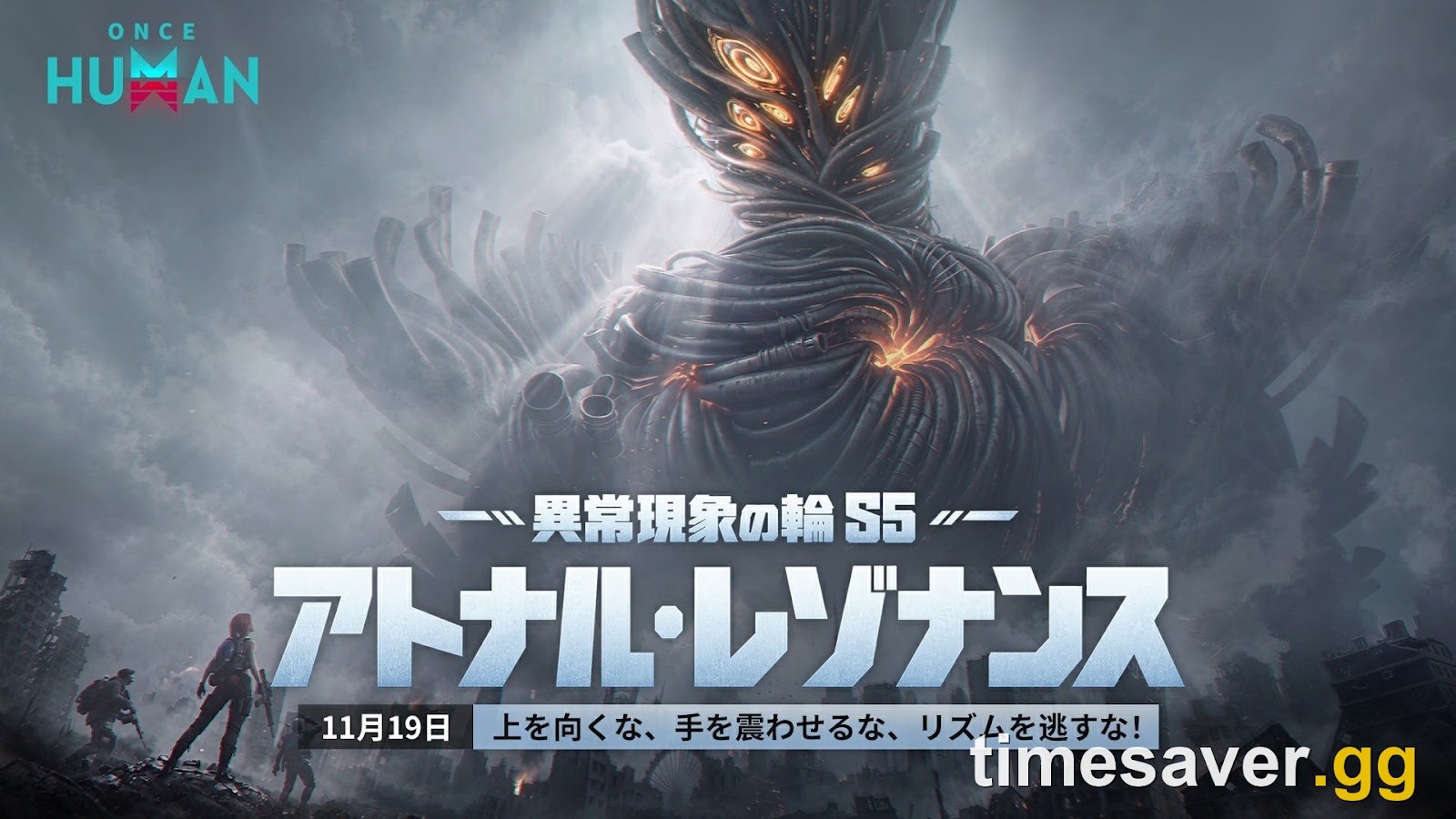
Once Human: Isles of Abyss launches October 22, 2026 on PS5/PS5 Pro, Xbox Series X/S (including Game Pass) and PC, free, with full cross-play — and it is a brand-new ocean scenario, not a patch bolted onto your current world. That distinction is the whole reason to prepare: starting Isles of Abyss resets your character to level 1, so the smart move over the next few weeks is to bank everything that does carry over and clear space in Eternaland before you sail. Here is the exact pre-launch checklist, what actually survives the jump, and whether you should start fresh at all.
Quick answer: what should you do before Isles of Abyss?
- Reserve the expansion in the in-game news/events menu when the reservation event is available, to lock milestone rewards for October 22.
- Bank the currencies that carry over — Starchrom, Crystgin, Mitsuko's Marks and Silver Keys all survive a scenario change, so spend or stockpile deliberately, don't leave them stranded.
- Farm and confirm your blueprints + Mods — weapon/armor blueprints, their star ratings, blueprint fragments and Mods are permanent across scenarios. Time invested here is time you keep.
- Clear and organize Eternaland — crafted items, materials and captured Deviations move into Eternaland; Energy Links convert to Astral Sand (they do not carry as Energy Links).
- Don't hoard Energy Links expecting to bring them into the ocean — convert-to-Astral-Sand is the trap.
- Pre-load when the client offers it, and clear storage: recent Once Human console updates have run 9–13 GB launcher downloads, and a whole new map will be larger.
- Link your accounts before launch day — linking is not merging.
The one-line version: reserve it, bank the currencies and blueprints that carry over, empty and tidy Eternaland, don't sit on Energy Links, and free up disk space before October 22.
Is Isles of Abyss a new scenario or an update to my current world?
It's a new scenario — and that changes everything about how you prepare.
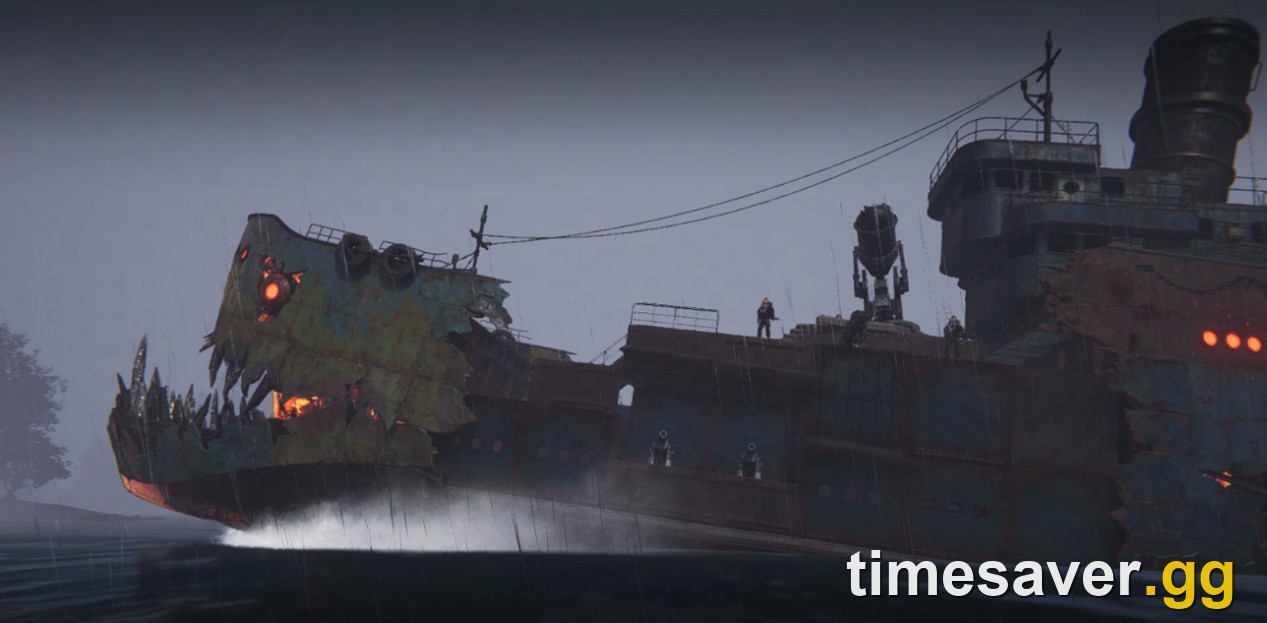
Once Human is built around scenarios: named worlds with their own map, rules and progression that you sign up for on a server. Isles of Abyss is the next one — an ocean survival world you sail across in a ship you build yourself. When you start a new scenario, the game does not carry your world forward. Your character level goes back to 1, your Memetics reset, and your base placement in the old world is gone. Your existing server keeps running without you; you're stepping into a fresh world.
That is not a bug or a wipe — it's the core loop. The reason veterans rebuild fast isn't that they keep their level; it's that they kept the permanent stuff: blueprints, Mods, cosmetics, story progress and hard currencies. Preparing for Isles of Abyss means loading up on exactly those things now, while your current scenario is still the place you're farming them.
If you want the deep version of this mechanic, we break down what carries over and what resets when a scenario ends and whether Once Human servers actually wipe. This guide is the action list built on top of it.
What carries over into Isles of Abyss (bank these now)

These survive a scenario change, so every hour you spend on them before October 22 is retained:
- Weapon and armor blueprints and their star ratings — plus blueprint fragments and weapon accessories. Roll and upgrade blueprints now; you keep them.
- Mods — the real source of build power. Mods carry over, so farming good Mods pre-launch is farming for your Isles character.
- Character name, appearance and cosmetics.
- House blueprints and learned furniture formulas (except those unlocked via Memetics).
- Battle Pass and task progress, plus Main Story and Side Story progress.
- Currencies: Starchrom, Crystgin, Mitsuko's Marks and Silver Keys all carry over.
Practical read: don't dump your Starchrom on throwaway seasonal pulls the week before launch, and prioritise blueprint stars and Mod quality over territory-specific grinds that reset. Power that lives on the blueprint and Mod layer is power you take to the ocean.
What resets — and why that's fine
When you start Isles of Abyss, the following go back to zero:
- Character level — back to level 1.
- Memetics — you re-pick them for the new scenario's balance.
- Map discovery and landmarks.
- Your territory and base placement in the old world.
- Scenario-specific items and gear tied to Memetic specializations.
Here's the mechanic that makes a fresh start fair: entering a new scenario grants Resource Points that cap how much you can carry in from Eternaland. It's a deliberate anti-snowball rule — it stops veterans steamrolling a launch and keeps new players close. So the answer to "does starting late put me behind?" is no. Don't over-farm materials thinking you'll dump a warehouse into the ocean on day one; a chunk of it will be capped at the boundary anyway.
Prep your Eternaland (this is where players lose the most)

Eternaland is your persistent personal hub, and it's where your stuff lands when a scenario ends. Before Isles of Abyss:
- Move crafted items, materials, captured Deviations and regular resources (ammo, medicine) into Eternaland — that's where they go, and where you'll pull the Resource-Point-capped amount from at the start.
- Understand the Energy Links trap: your Energy Links convert into Astral Sand in Eternaland — they do not survive as spendable Energy Links into the next scenario. If you've been hoarding Energy Links "for Isles," you're really hoarding building currency for your hub. Spend Energy Links on things you actually want before the reset if you'd rather have the goods than the Astral Sand.
- Tidy your storage so you can see what's worth carrying under the Resource Point cap when the timer flips.
This one detail — Energy Links becoming Astral Sand — is the single most common thing stale guides get wrong, and the one that quietly costs hoarders the most on launch day.
Reserve Isles of Abyss and pre-load before launch day
Two logistics items that avoid a launch-night scramble:
Reserve it when the event opens. Once Human is running pre-launch reservation and warm-up events around the expansion. Check the in-game news/events menu for the Isles of Abyss reservation banner and reserve when it's available — it's free and is tied to launch-day and milestone rewards for October 22. Full detail on the date and reward mechanics is in our Isles of Abyss release date and how-to-reserve guide.
Clear disk space and pre-load. A whole new ocean map is a large download. For reference, the September 16 (3.0.6) update alone weighed roughly 9.6 GB on PS5, 13 GB on Xbox and 7.55 GB on PC at the launcher level, per the official update announcement. Starry Studio has already been staging Isles map resources across recent patches, so free up storage ahead of time and pre-load the moment the client lets you. In the studio's own words from the 3.0.6 notes: "We recommend updating over a Wi-Fi connection!" — sound advice when the launch download lands.
If you're on console, decide your display mode before you're mid-storm at sea — our PS5 & Xbox performance mode vs quality mode guide covers 120fps Performance versus 4K/60 Quality.
Link your accounts the right way (the trap the game won't warn you hard enough about)
Cross-progression runs through account linking, and there's a rule that catches people every launch: linking is not merging. If both accounts you link already have characters, the system cannot keep all of them — you must choose which account's characters to keep and lose the other set. Sort this out before you create any new character for Isles of Abyss. The safe order is in our crossplay and cross-progression guide.
Should you start a fresh Isles of Abyss scenario, or stay on your permanent server?
You don't have to jump. When a normal server's settlement phase ends, your character data merges into the matching permanent (no-wipe) server unless you choose a fresh scenario instead — and permanent servers for Manibus, Evolution's Call, Prismverse's Clash and The Way of Winter never wipe.
Decision guide:
- Start Isles of Abyss fresh if you want the new content, the launch community, milestone rewards and the ocean loop from the ground up. You'll reset to level 1 but keep blueprints, Mods and currencies — and Resource Points mean you won't be hopelessly behind veterans.
- Stay on your permanent server if you're mid-build, attached to your base, or prefer a no-wipe home. You can always start Isles later; the scenario isn't a one-time door.
- Do both across characters if you want to keep a home base and still sail — cross-progression and multiple characters let you hedge.
Whatever you pick, the prep above still applies: banking blueprints, Mods and currency helps any future character, and tidying Eternaland is never wasted.
Isles of Abyss pre-launch checklist (copy this)
- [ ] Reserve Isles of Abyss in the in-game events menu.
- [ ] Spend or stockpile Starchrom/Crystgin/Mitsuko's Marks/Silver Keys deliberately (they carry over).
- [ ] Push blueprint star ratings and farm good Mods — these are permanent.
- [ ] Convert or spend Energy Links intentionally (they become Astral Sand at reset).
- [ ] Move items, materials and captured Deviations into Eternaland and tidy storage.
- [ ] Free up disk space; pre-load when the client offers it.
- [ ] Link accounts before creating a new character — linking is not merging.
- [ ] Decide: fresh Isles scenario vs stay on your permanent server.
FAQ
How do I prepare for Once Human Isles of Abyss? Reserve the expansion in the in-game events menu, bank the currencies that carry over (Starchrom, Crystgin, Mitsuko's Marks, Silver Keys), push your weapon/armor blueprint stars and farm good Mods since those are permanent, move items and captured Deviations into Eternaland, avoid hoarding Energy Links (they convert to Astral Sand), and free up disk space to pre-load before October 22, 2026.
Will I lose my character or base when Isles of Abyss launches? No — Isles of Abyss is a new scenario you choose to start, not a global wipe. If you start it, your level resets to 1 and your base placement resets, but blueprints, Mods, cosmetics, story progress and currencies like Starchrom carry over, your items move into Eternaland, and your existing and permanent servers keep running.
Do my Energy Links carry over to Isles of Abyss? Not as Energy Links. When a scenario ends, your Energy Links convert into Astral Sand in Eternaland (the currency used to build your hub). If you want goods instead of building currency, spend your Energy Links before the reset.
Should I start a new scenario for Isles of Abyss or stay on my permanent server? Start fresh if you want the new ocean content, the launch community and milestone rewards — you keep blueprints, Mods and currencies, and Resource Points stop veterans from steamrolling. Stay on your permanent server if you're attached to your base or prefer a no-wipe home; you can always start Isles later.
When does Once Human Isles of Abyss release? October 22, 2026, on PS5/PS5 Pro, Xbox Series X/S (including Xbox Game Pass) and PC, with full cross-play. It's a free content update, like every Once Human update.
How big is the Isles of Abyss download? No exact figure has been published yet, but expect it to be large — the September 16 (3.0.6) update alone ran roughly 9.6 GB on PS5, 13 GB on Xbox and 7.55 GB on PC at the launcher level per the official notes, and Isles adds a whole new map. Clear storage and pre-load when the client allows it.
Do I need to reserve Isles of Abyss to play it? No — the game is free and you can start the scenario at launch regardless. Reserving is a free in-game event that grants launch-day and milestone rewards, so there's no reason to skip it.
The bottom line
Isles of Abyss on October 22, 2026 is a fresh scenario, not a patch — so preparing means loading up on what carries over and clearing out what doesn't. Reserve it now, bank your Starchrom and other carry-over currencies, push blueprint stars and Mods (both permanent), move your gear into Eternaland, and remember Energy Links become Astral Sand. Free up disk space, pre-load early, and link your accounts the safe way before you make a new character. Do that, and you'll step onto the ocean ready to build instead of scrambling.
Getting ready for the sea? Line up the rest of your Once Human basics before October 22:
- What carries over and what resets between scenarios — know exactly what you keep before you start Isles of Abyss.
- Isles of Abyss release date & how to reserve — the confirmed date, platforms and reward mechanics.
- Isles of Abyss: everything new and how it plays — the ocean scenario's mechanics in full.
- Crossplay & cross-progression guide — link accounts safely so you don't lose a character.